Practice
latte art.
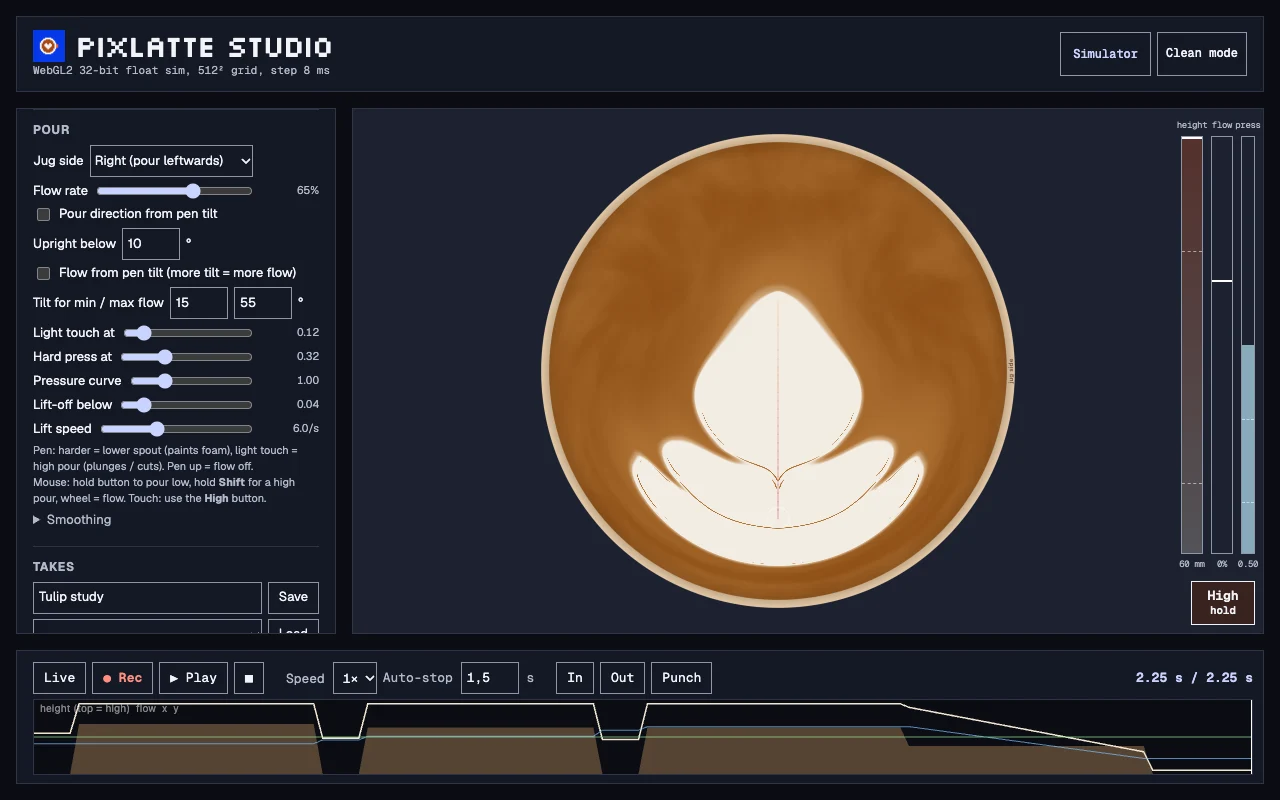
Pour into a live cup. See how height, flow, and direction shape the foam, then replay every pass.
Start pouringTouch, mouse, or stylus

From pour
to playback.
Shape the foam
Lower the jug to draw on the crema, or raise it to cut through. Tune Height, Flow, Direction, Spread, and the pace of the pour.
Pour with your own setup
Use a mouse, touch, or pressure-sensitive stylus. Set the jug side for either hand, calibrate pen pressure, or tilt a supported phone to move the cup.
Change the cup and drink
Try espresso or Pro palettes for matcha, ube, taro, and hojicha. Change the cup’s inner and outer colours and watch the cup fill as you pour.
Replay and keep your pours
Watch a pour again to see how the pattern formed. Longer pours appear in your browser’s library, with unlimited saved pours in Pro.
Export your work
Save a PNG or make a square or vertical MP4 where the browser supports it. Pro lets you put your own name in the corner or remove the mark.
Give the cup your full attention
Hide the controls for screen recording, switch between light and dark, or reduce interface motion.
PixLatte
Studio.
Record and scrub through a take. Set In and Out points to re-record a section, compare with a reference video, and fine-tune the simulation.
Save takes, or import and export JSON to move them between projects.
Open Studio